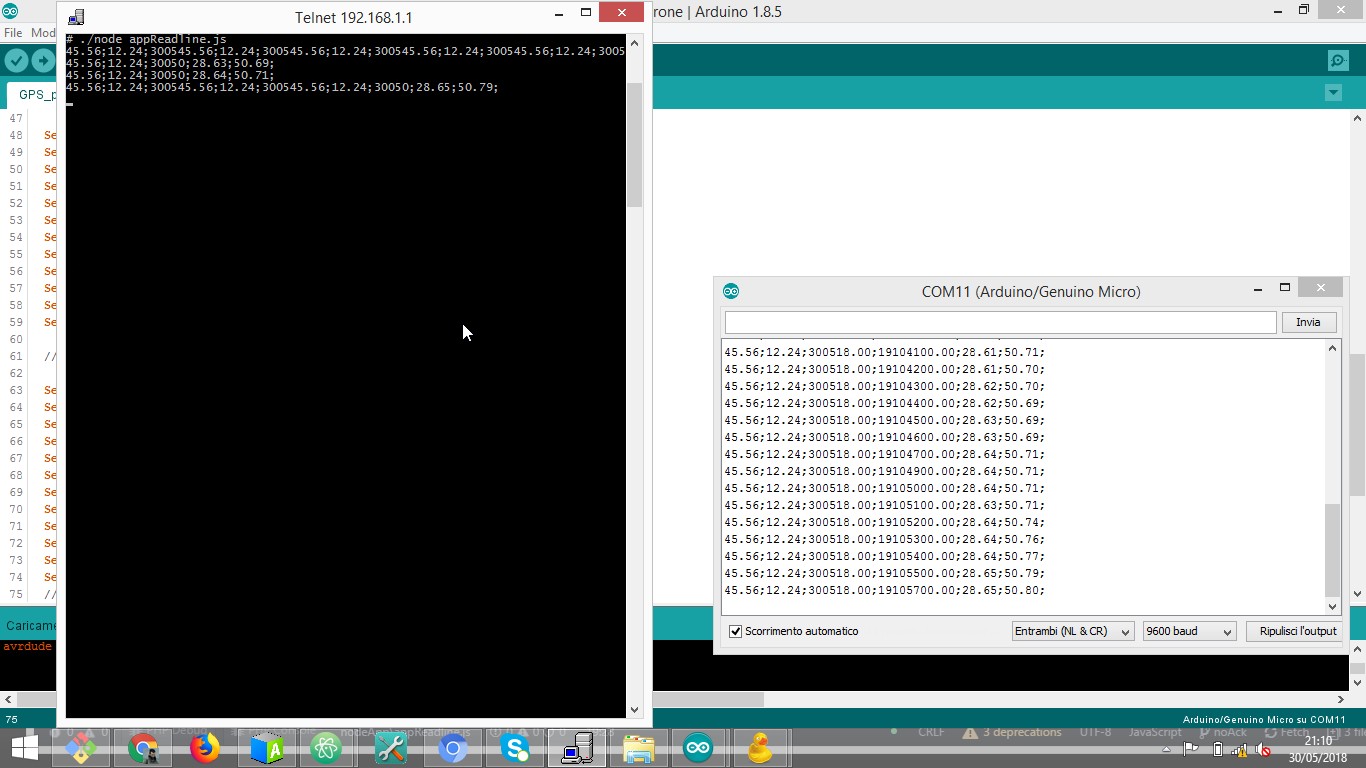
UPDATE 2 JUN 2018 I managed to make things a little bettere with the following code: ARDUINO: #include <TinyGPS++.h> #include <Wire.h> #include "Adafruit_HTU21DF.h" /* Sketch per creare json contenente lat,lon,data,ora,temp, hum */ static const uint32_t GPSBaud = 9600;
    Adafruit_HTU21DF htu = Adafruit_HTU21DF();

    // The TinyGPS++ object
    TinyGPSPlus gps;

    void setup()
    {
      Serial1.begin(9600);
      //  Serial.begin(9600);
      if (!htu.begin()) {
        Serial1.println("Couldn't find Adafruit_HTU21DF!");
        while (1);
      }
    }

    void loop()
    {
      while (Serial1.available()) {
        gps.encode(Serial1.read());
      }
      float lat = gps.location.lat();
      float lon = gps.location.lng();
      int date = gps.date.value();
      float timestamp = gps.time.value();
      float temp = htu.readTemperature();
      float hum = htu.readHumidity();

      Serial1.print(lat);
      Serial1.print(";");
      Serial1.print(lon);
      Serial1.print(";");
      Serial1.print(date);
      Serial1.print(";");
      Serial1.print(timestamp);
      Serial1.print(";");
      Serial1.print(temp);
      Serial1.print(";");
      Serial1.print(hum);
      Serial1.print(";_");
      Serial1.println();
    }
NODE JS:
    var serialport = require('node-serialport');
    var WebSocketServer = require('ws').Server;

    var wss = new WebSocketServer({host:'0.0.0.0',port: 9999});
    var sp = new serialport.SerialPort("/dev/ttyO3", {
      parser: serialport.parsers.readline("_"),
      // parser: serialport.parsers.raw,
      baud: 9600,
      buffersize: 1024
    });
    wss.on('connection', function(ws) {

      sp.on('data', function(chunk) {
        var fromArduino = chunk.toString();
        // console.log(fromArduino);
        ws.send(fromArduino);
        sp.flush();
      });
    });
Now data comes out tidy on both console and ws for most of the times: I guess the problem was the serialport buffersize.
I also removed serial software from Arduino code.